Think beyond upload dimensions
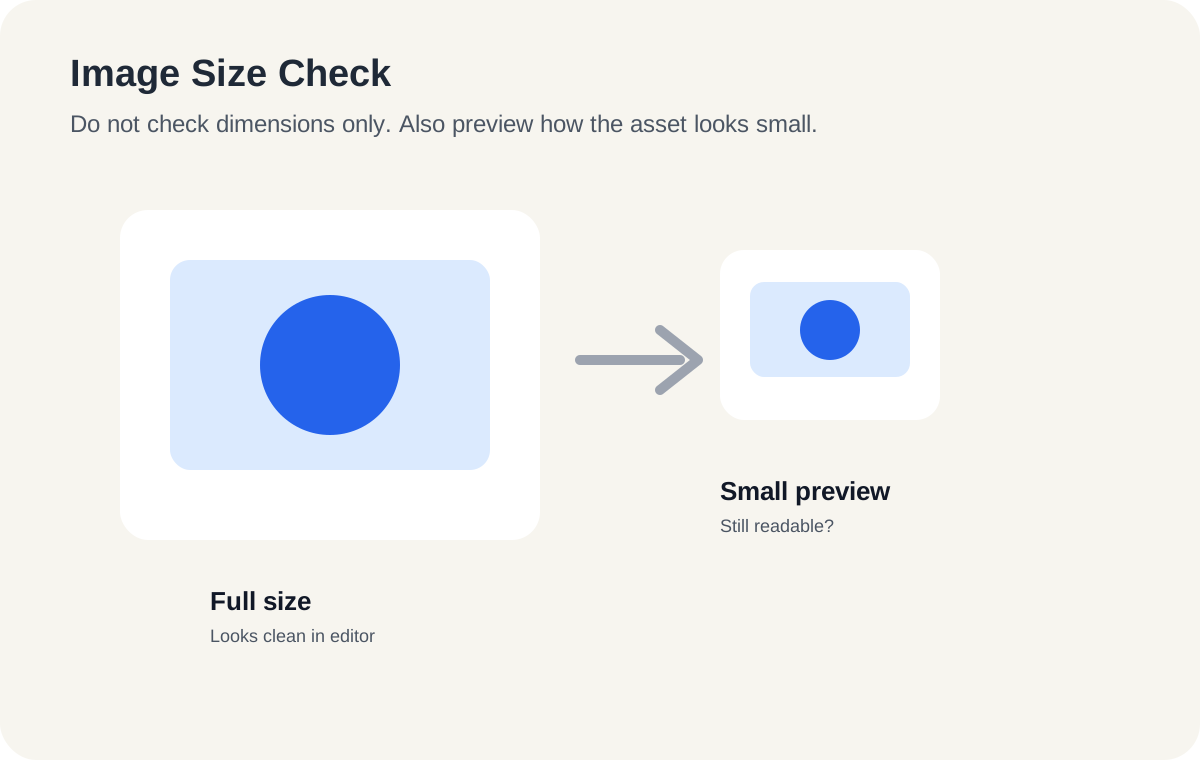
A large image can still fail if the product is too small, poorly cropped, or hard to recognize in search results.
Dokuntag Publish
Image size preparation is about making sure the product remains clear across listing pages, search results, previews, and mobile views.
A large image can still fail if the product is too small, poorly cropped, or hard to recognize in search results.
Preview the image at small size. If the product shape, color, or main detail is unclear, simplify the photo or crop.
Use additional images to answer buyer questions that the main image cannot answer alone.
Next step
This is a general publishing-preparation reference. Platform rules can change, so verify current official guidance before publishing.